Free file recovery
File won’t open?
Let’s get it back.
Recovery Monk repairs damaged photos, Word, Excel and PowerPoint files and ZIP archives right in your browser — and finds every photo, video and document on a memory-card copy. It gets back everything that’s still in the file.
- Free
- No sign-up
- Files never leave your device
- Works offline
This browser is too old for some repairs. Use a current Chrome, Safari, Edge or Firefox.
Drop your damaged files here
Photos, Word, Excel, PowerPoint, ZIP — or a copy of a whole memory card.
Optional: one good photo from the same phone or camera. Helps rebuild photos whose beginning is destroyed. No good photo added.
Results
Your results will appear right here.
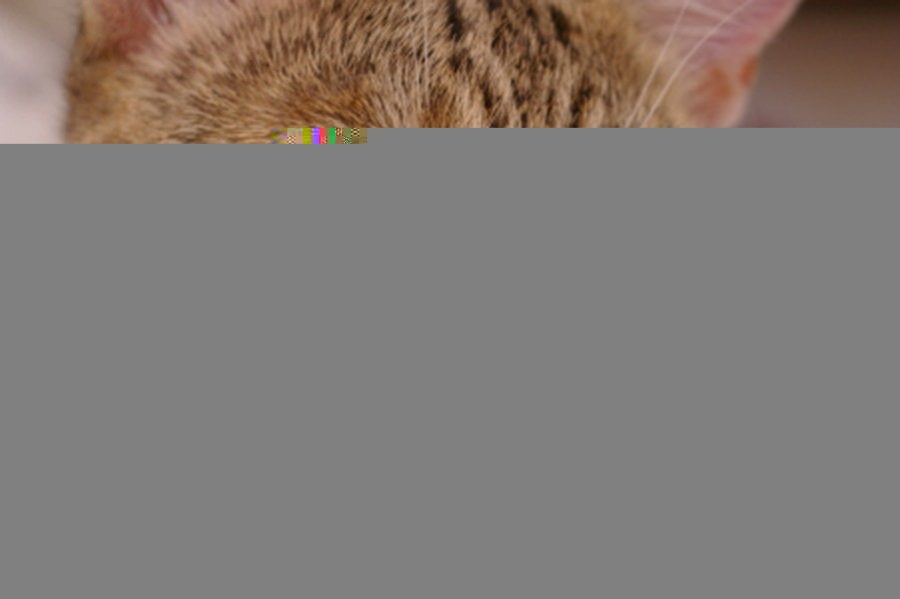
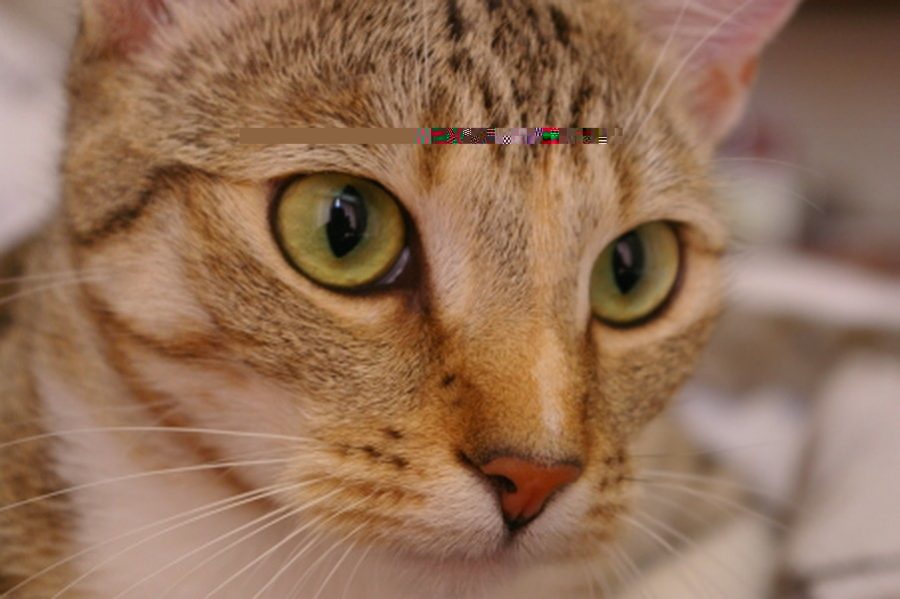 BeforeAfter
A real repair
One kilobyte of junk turned this photo grey.
A small patch of the file was overwritten — the kind of thing a failing memory card or an interrupted copy does. Your browser gives up at the damage and paints the rest grey.
Recovery Monk reads the photo block by block, cuts out the junk, lines the rest of the picture back up and matches its colours. Drag the slider to compare.
What it fixes
Most “corrupt” files still have their contents inside.
Usually only a small part of the file is broken. Recovery Monk finds it and works around it.
Word, Excel & PowerPoint
“The file is corrupt and cannot be opened”? It’s rebuilt from every part that survived — or you get all the text and table data back.
ZIP archives
Cut-off downloads and broken archives: every intact file inside, checked one by one, in a new archive that opens.
Cut-off photos
From interrupted copies, downloads or card errors. You get every part that was saved — plus a version filled in from the photo’s own preview.
Grey, smeared or shifted
Damage inside the picture data. The junk is cut out and the rest of the photo lined back up.
Broken beginning
Damaged first bytes or junk in front. With one good photo from the same phone, even a destroyed header is rebuilt.
Wrong name
A WebP or HEIC saved as “.jpg” — the most common “corrupt” photo of all. It gets its right name back.
Broken PNG, GIF, BMP, WebP
Failed damage checks, missing endings and wrong size labels, rebuilt cleanly.
Camera RAW
CR2, CR3, NEF, ARW, DNG, ORF, RW2, RAF — pulls out the full-size JPEG the camera hides inside.
Whole memory cards
Drop a copy of a card or disk: it finds every photo, video, song, voice note, PDF, document and archive inside.
Thumbnail caches
Phone and PC preview caches often still hold copies of photos that are gone everywhere else.
How it works
Three steps. Nothing to install.
Drop your files
One file or hundreds. They’re opened right here in your browser — never sent anywhere.
It checks every byte
Recovery Monk works out exactly what’s wrong in plain English, tries every repair that fits, and shows you each result.
Download the best one
The best result is marked for you. Save one, or everything at once as a ZIP.
Straight talk
What no tool can do
Gone is gone
- Parts of a file that were never saved or were written over.
- Files that are completely blank (all zeros) — their contents aren’t in them any more.
- Password-protected files without the password, and files locked by ransomware.
But copies often survive
- The person you sent it to, or who sent it to you.
- Phone and computer thumbnail caches — here’s where.
- Cloud backups. Blank WhatsApp photos? Start here.
Guides
When the file itself isn’t enough
Old WhatsApp photos come back blank? Here’s why — and where to look
Why recovered WhatsApp photos are often empty, and the places a real copy may still exist.
Read the guide →How to fix a photo that’s half grey, smeared or cut off
What causes grey bottoms, smears and colour shifts — and how to get the picture back.
Read the guide →Find lost photos in your phone’s and computer’s thumbnail cache
Phones and PCs keep small copies of photos — sometimes long after the originals are gone.
Read the guide →Questions
Good to know
Is it really free?
Yes. No sign-up, no limits on how many files, no watermark on what you get back.
What kinds of files can it fix?
Photos (JPEG, PNG, GIF, WebP, BMP, camera RAW), Word, Excel and PowerPoint documents, and ZIP archives. From a copy of a memory card or disk it also finds videos, music, voice notes, PDFs, old Office files, databases and archives. Repairing videos and PDFs themselves is coming next.
Do my files get uploaded anywhere?
No. Every repair happens inside your own browser, on your own device. Your files never travel over the internet — you can even switch your Wi-Fi off after the page loads and it keeps working.
Can it fix every broken file?
No tool can. If part of a file was never saved or was written over, that part is gone. Recovery Monk gets back everything that is still inside the file — which is often much more than it looks.
My photo is the right size but completely blank. Why?
Then the file is filled with zeros: the name and size survived but the picture was never written into it. Nothing can rebuild it from that file — but copies often exist elsewhere. See the guide on blank photos.
What does the "good photo" do?
When the beginning of a photo is destroyed, the instructions for drawing it are lost. A good photo from the same phone or camera usually has the same instructions, so the tool borrows them to rebuild the broken one.
Does it work on my phone?
Yes — on any modern phone, tablet or computer browser. You can also install it like an app from your browser menu.
What happens to my original file?
Nothing. Recovery Monk never changes your files; it makes new, repaired copies for you to download.